
SSB Photo & Signature Resizer
Official Resizer for Sashastra Seema Bal (SSB) Recruitment Forms.
Click or Drag Image to Resize
Secure & Private (Local Processing)
Explore Other Tools
SSB Photo And Signature Resizer
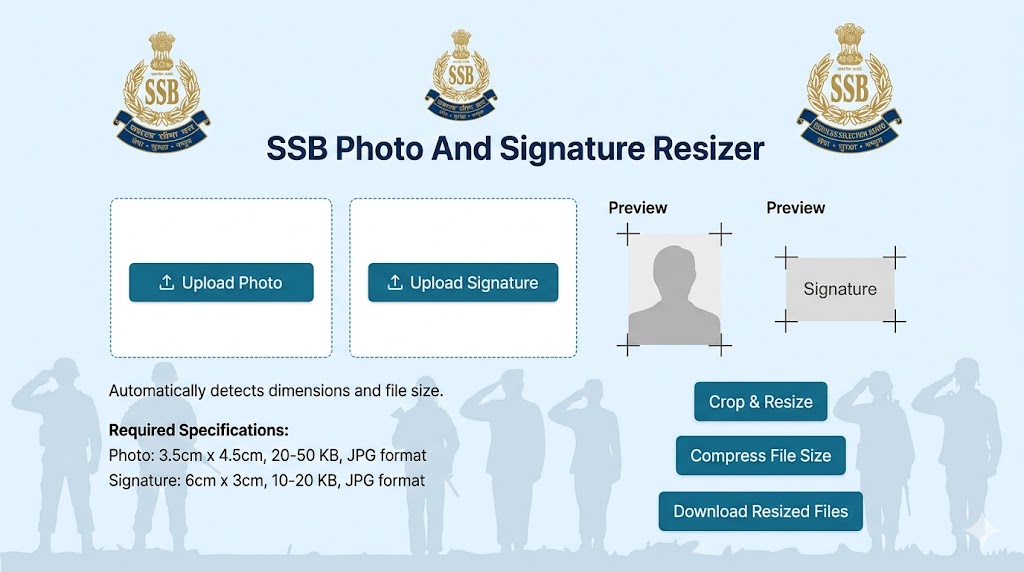
The Sashastra Seema Bal (SSB), a vital paramilitary force under the Ministry of Home Affairs, conducts regular recruitment for various positions, including Constable (GD), Head Constable, Sub-Inspector, and Assistant Sub-Inspector. While the physical and mental toughness required for SSB is high, many candidates fail at the very first step—the online application. Rejection due to “Invalid Image Format” or “Size Exceeds Limit” is common because the SSB recruitment portal is extremely strict.
Our SSB Photo and Signature Resizer is an expert-level utility designed to eliminate these technical barriers. In this guide, we will provide you with the exact specifications, expert tips, and a step-by-step walkthrough to ensure your documents are accepted on the first attempt.
SSB Photo And Signature Specifications
To pass the automated document verification system on the SSB portal, you must adhere to these specific parameters:
1. Photograph Specifications:
- Dimensions: 3.5 cm (Width) x 4.5 cm (Height).
- File Size: Between 20 KB and 50 KB.
- Format: JPEG/JPG Only.
- Background: A white or light-colored background is mandatory for clarity.
- Look: Face should be centered and cover 75% of the photo. No caps, hats, or dark glasses.
2. Signature Specifications:
- Dimensions: 3.5 cm (Width) x 1.5 cm (Height).
- File Size: Between 10 KB and 20 KB.
- Format: JPEG/JPG.
- Instruction: Use a black ink pen on a clean white sheet of paper.
Why Use an SSB Photo Resizer Tool
Most standard image editors focus on “cropping,” but they often destroy the metadata or the DPI (Dots Per Inch) required for official identification. If a photo is stretched, it can lead to issues during the biometric verification at the recruitment center.
Our SSB Photo Resizer Online uses a unique algorithm that:
- Maintains Proportions: It locks the aspect ratio to ensure your face does not look elongated or squeezed.
- Optimizes Quality: It uses high-efficiency compression to keep the file under 50 KB while maintaining the sharpness of facial features.
- Local Processing: Your data never leaves your computer, which is critical for the security of your identity documents.
Best Tips for SSB Photo And Signature Document
1. The White Background Rule
Government portals use AI to “read” your face. A dark or busy background (like a garden or room) can confuse the software. Always take your photo against a plain white wall in bright, natural light.
2. Black Ink Signature
Blue ink often looks faint after digital compression. To ensure your signature is “Portal Ready,” always use a Black Gel or Ink pen. The contrast between black ink and white paper is easier for the SSB system to scan.
3. Avoiding Lens Distortion
When taking a photo with a smartphone, avoid using the “wide-angle” lens or the front “selfie” camera if possible, as they can distort facial features. Use the primary rear camera for the best accuracy.
How to Resize Photo and Signature for SSB (Step-by-Step Guide)
Using our tool is simple and takes less than 30 seconds:
- Upload: Click the “📂” upload box and select your photo or signature scan.
- Choose Mode: Select either “SSB Photo” or “SSB Signature” from the dropdown menu.
- Process: Click the ‘Resize & Optimize’ button.
- Download: A preview will appear instantly. Click the green button to save your SSB-ready image.
Frequently Asked Questions (FAQs)
1. Why is the SSB portal not accepting my photo?
The most likely reason is the File Size. If your file is 51 KB, it will be rejected. Our tool ensures your photo stays strictly within the 20KB-50KB range.
2. Can I use a photo with spectacles?
It is highly recommended to remove spectacles. If you must wear them, ensure there is no glare on the lenses, and your eyes are fully visible.
3. What happens if my signature is more than 20 KB?
The upload will fail. SSB signatures must be very small in file size (10-20 KB) because they are printed in a very small box on your admit card.
4. Does this tool work on mobile?
Yes! The tool is fully responsive. You can snap a photo with your phone and resize it on RojgarResultTools instantly.
5. Is this tool free for all SSB aspirants?
Yes, our mission is to help students. This tool and all other resizers on our site are 100% free with no hidden charges.